AdsBlock strips ads and trackers out of every page before Safari renders it — so sites load faster and cost you less data.
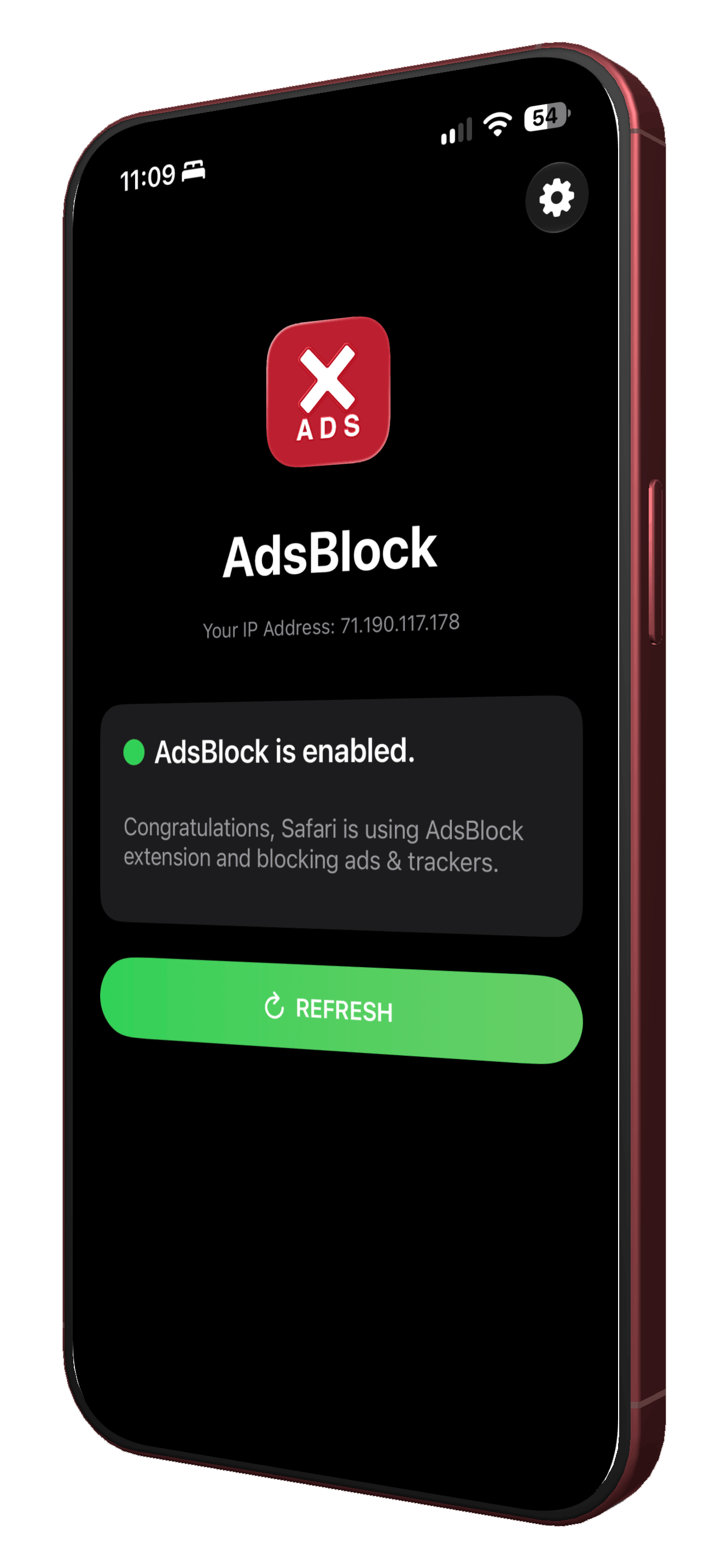
No settings to tune, no allow-lists to manage. Turn it on once and every tab benefits.
Banners, popups, video preroll, and autoplay units are stopped before they ever reach the page.
Cross-site trackers and analytics pixels get cut off, so your browsing stops following you around.
Ad and tracker scripts are often heavier than the article you came for. Skip them, skip the bytes.
Fewer requests means fewer round trips. Pages render as soon as the content is ready — not the ads.
Actual savings depend on the sites you visit — ad-heavy pages see the biggest difference.
AdsBlock works as a native Safari content blocker — no separate browser to switch to.
Download it from the App Store like any other app. No account needed.
Open Settings → Apps → Safari → Extensions, and switch AdsBlock on.
That's it. Every tab in Safari is now ad-free and tracker-free by default.
AdsBlock filters what loads on your device. It doesn't collect your browsing history, and it has nothing to send anywhere.
Free to download. Thirty seconds to set up. Every page after that, a little lighter.
Download AdsBlock